Creating your own children's book illustrations can feel like a big project, but with the right tools, it is completely achievable. Adobe Illustrator is a powerful program used by professionals, and it's also accessible for beginners. This guide will help you understand the basics so you can bring your stories to life with beautiful, scalable art.
Why Choose Illustrator for Children's Books?
Illustrator creates vector art, which means your drawings can be blown up to any size without getting blurry or pixelated. This is perfect for printing children's books, ensuring your illustrations look crisp at any scale. It is also the industry standard for many professional illustrators, giving you a versatile skill.
How Do I Set Up My Workspace in Illustrator?
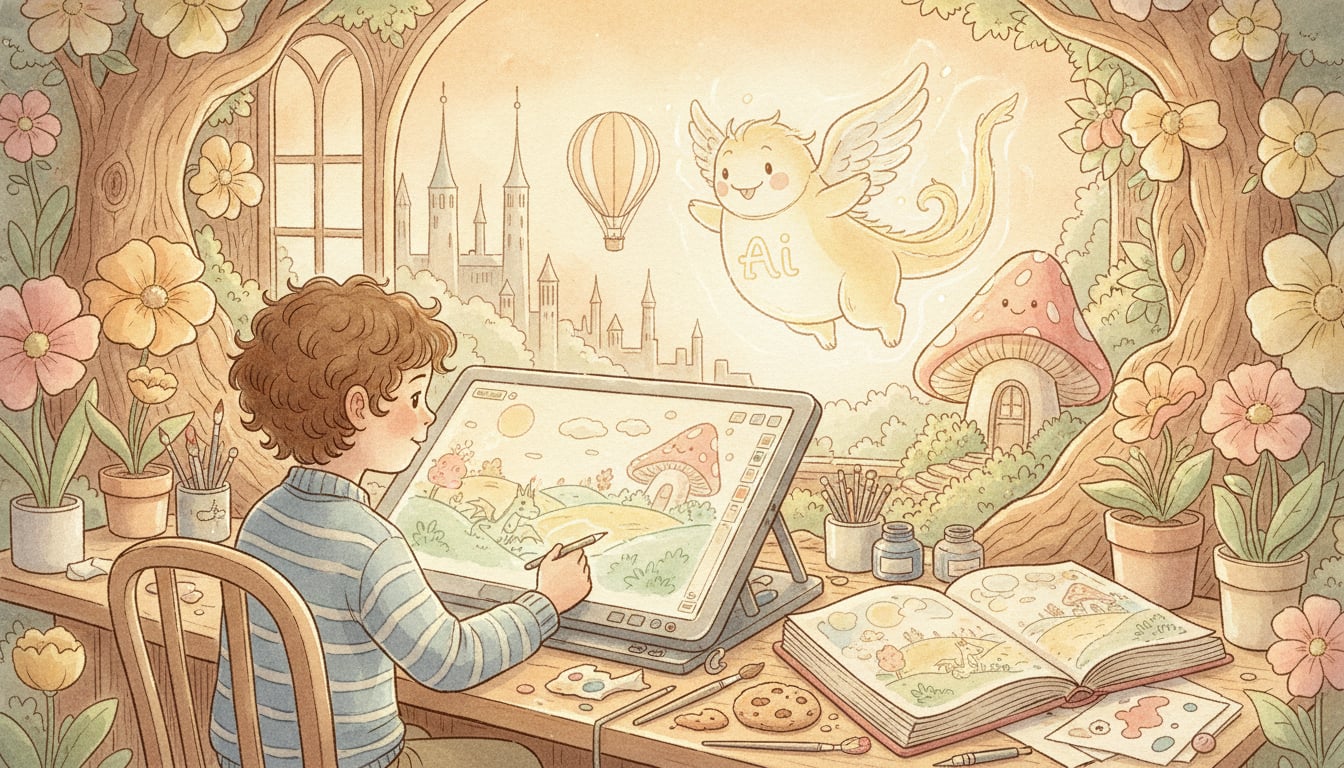
First, open Illustrator, such as Fablekit and create a new document. Think about your book's page size, usually around 8x10 inches for a picture book, before you begin. Familiarize yourself with the basic interface: the toolbar on the left, the properties panel on the right, and the main canvas in the middle.
What Are the Essential Tools for Drawing Characters and Scenes?
The Pen Tool is your best friend for clean, smooth lines, taking practice but being key for drawing shapes and outlines. Use the Shape Tools (rectangles, circles, stars) to quickly create basic forms that you can then modify. The Selection Tool (black arrow) lets you move and resize objects, while the Direct Selection Tool (white arrow) allows you to adjust individual points on a shape.
Adding Color and Detail
Use the Eyedropper Tool to pick up colors you like, and the Color Panel to choose new ones. You can create custom color palettes for your book to maintain a consistent look. Learn about Layers, which are like drawing on transparent sheets of paper, allowing you to organize elements and edit them independently without messing up other parts of your illustration. Experiment with Brushes to add texture or varying line weights, but keep it simple at first. Solid colors and clean lines are often all you need for a charming children's book.
Tips for Keeping Your Artwork Consistent
Create a 'style guide' for your character. Draw them from a few different angles and poses to help you stay consistent across pages. Save 'swatches' of your main colors. This ensures your reds and blues are the exact same shade throughout your entire book. Work on a dedicated 'character layer' and 'background layer' to easily make adjustments without affecting other parts of your scene.
Frequently Asked Questions
Is Adobe Illustrator hard to learn for beginners?
Illustrator has a learning curve, but by focusing on a few core tools like the Pen Tool and Shape Tools, beginners can create effective illustrations. There are many online tutorials available to guide you through the initial steps.
What is vector art and why is it good for children's books?
Vector art uses mathematical paths instead of pixels, meaning illustrations can be scaled to any size without losing quality or becoming blurry. This makes it ideal for printing children's books in various sizes and ensures crisp images.
How do I maintain consistent character appearance across multiple pages?
To maintain consistency, create a simple style guide with your character drawn in different poses and expressions. Also, save and reuse color swatches for your character's specific colors, and use layers to keep elements organized.
What are common page sizes for children's picture books?
Common page sizes for children's picture books include 8x10 inches, 8.5x11 inches, or square formats like 8x8 inches. It's always a good idea to check with your specific printer or publisher for their recommended dimensions.